Video Compressor
Reduce MP4, MOV, and WebM video size free in your browser. Local WebCodecs compression with target MB limits, no watermark, and no file uploads.
or drag & drop here
Paste from clipboard with Cmd+V · Multiple files supported
Supported: MP4 · MOV · WebM
- Never uploaded
- No watermark
- No sign-up
- No server upload limits
How It Works
Simple 3-step compression powered entirely by your local browser
Choose Video File
Select MP4, MOV, or WebM video. No upload progress bar—files load instantly from your local disk.
Pick Target MB or Balance
Set a custom MB target for your destination, or use the balance slider when you care more about quality-to-size than a hard cap.
Hardware Encoding
Encodes locally with browser WebCodecs when supported. Save the finished MP4 when processing completes.
Why Choose LessMB
The private, modern alternative to legacy cloud compressor websites
100% In-Browser Privacy
Zero bytes uploaded. Your personal photos, sensitive documents, and private videos never touch external servers or cloud storage.
Zero Queue & Instant Start
No waiting in cloud conversion queues or watching slow upload bars. Processing starts the millisecond you drop your file.
Hardware Acceleration
Harnesses WebAssembly SIMD and WebCodecs GPU encoding for high-fidelity compression directly on modern consumer hardware.
No Credit Consumption
Free tier compression uses your own device compute, meaning zero server credit drain for everyday single and batch tasks.
LessMB vs Traditional Cloud Compressors
See how client-side processing outperforms legacy server-based tools
Specialized Tools & Guides
Purpose-built browser tools solving specific format and platform constraints.
HandBrake Online Alternative
A fast, zero-install HandBrake alternative for video compression. Uses WebCodecs hardware encoding directly on your GPU without complex settings.
Compress Video for Discord
Compress videos locally for Discord. Choose a target below your account limit, including the default free 20MB cap, and inspect the result before sharing.
Compress Video for Email
Compress video for email locally. Choose a target below your Gmail, Outlook, or work account limit, then check file size and playback before attaching.
Frequently Asked Questions
Everything you need to know about LessMB in-browser compression
Tutorials & Guides
Deep dives from the LessMB editorial team
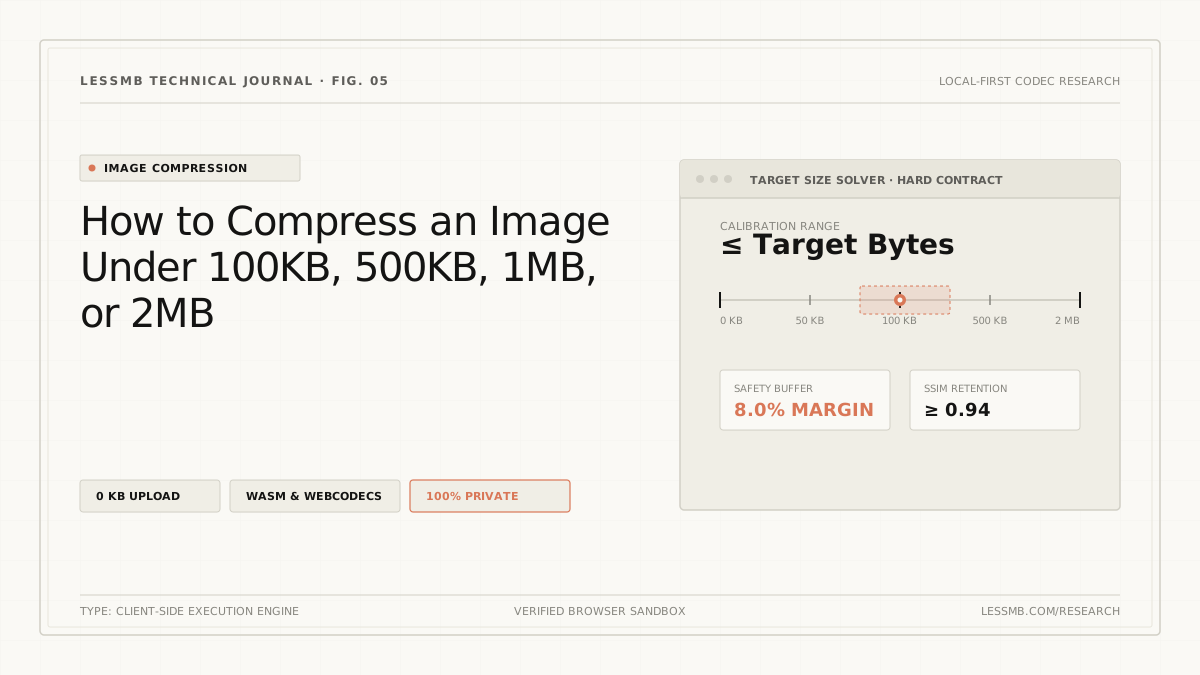
How to Compress Images to an Exact File Size
Set a target KB or MB size, understand why files miss hard limits, and use a browser-local workflow to verify the final output before upload.
Read guide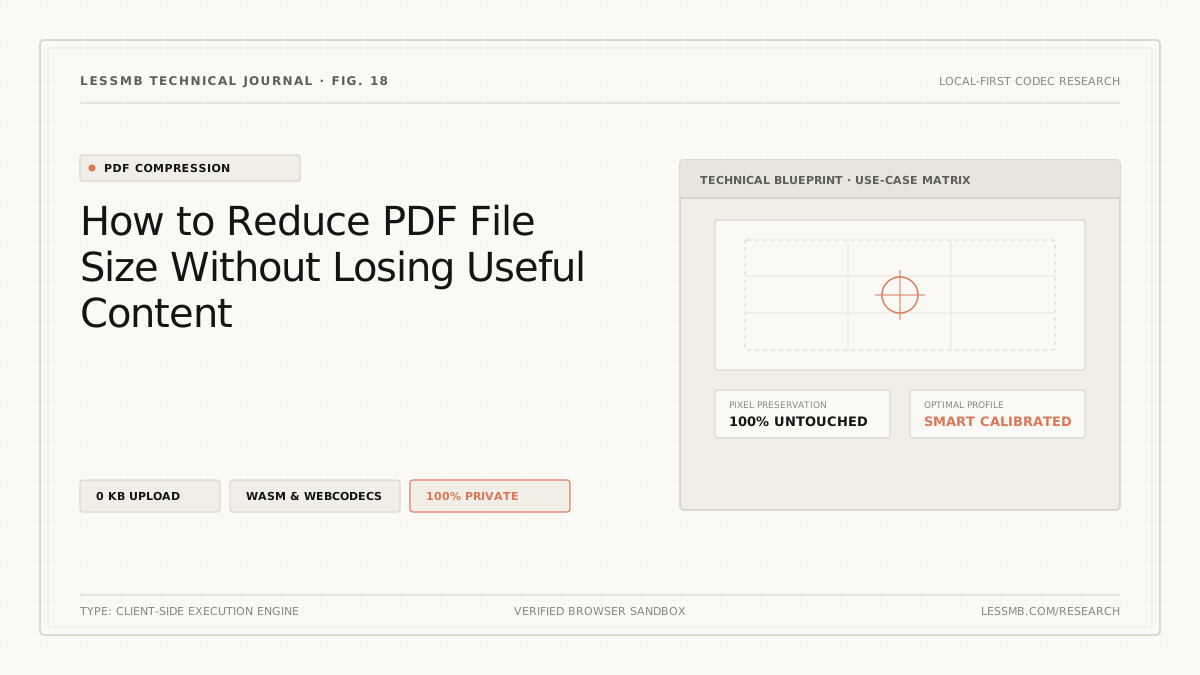
How to Compress a PDF Online Without Guesswork
See how PDF structure cleanup and image recompression affect file size, when stronger modes may reduce image quality, and how to choose the right mode.
Read guide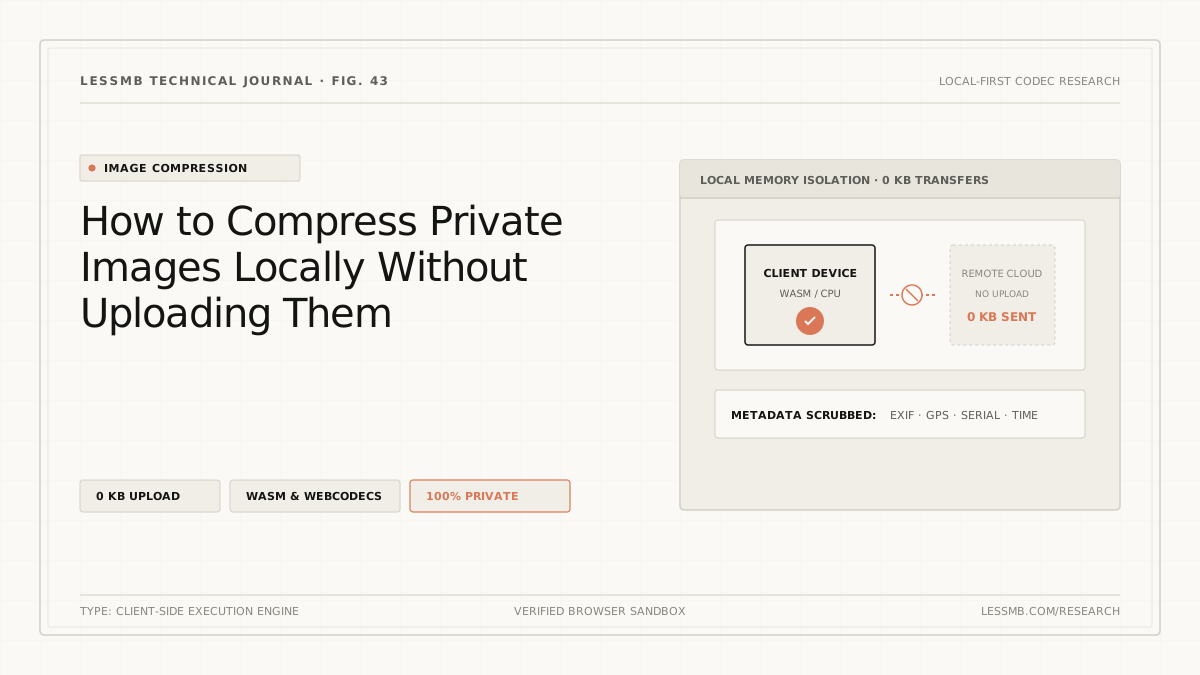
Compress Images Without Uploading to a Server
Learn how browser-local image compression works, what upload-based tools expose, and how to inspect network activity when handling sensitive photos.
Read guideLooking for other file formats? Back to LessMB Free Online File Compressor