PNG Compressor
Compress static PNG images locally in your browser. Keep PNG output for transparency, compare dimensions and file size, and download the result.
or drag & drop here
Paste from clipboard with Cmd+V · Multiple files supported
Supported: JPG · PNG · WebP · AVIF · HEIC
- Never uploaded
- No watermark
- No sign-up
- No server upload limits
How It Works
Simple 3-step compression powered entirely by your local browser
Select or Drop Images
Choose supported JPG, PNG, WebP, AVIF, HEIC files from your device.
Choose Output Settings
Adjust the output format, quality, or target size for the result you need.
Inspect and Download
Processing runs locally in the browser. Review the result before downloading.
Why Choose LessMB
The private, modern alternative to legacy cloud compressor websites
100% In-Browser Privacy
Zero bytes uploaded. Your personal photos, sensitive documents, and private videos never touch external servers or cloud storage.
Zero Queue & Instant Start
No waiting in cloud conversion queues or watching slow upload bars. Processing starts the millisecond you drop your file.
Hardware Acceleration
Harnesses WebAssembly SIMD and WebCodecs GPU encoding for high-fidelity compression directly on modern consumer hardware.
No Credit Consumption
Free tier compression uses your own device compute, meaning zero server credit drain for everyday single and batch tasks.
About This Format
PNG is a lossless raster image format that supports transparency. It is useful for screenshots, logos, and interface images where text edges matter. LessMB compresses static PNG images locally in your browser; files are not uploaded for processing.
How Its Compression Works
LessMB decodes a PNG, encodes it back to PNG, and runs OxiPNG optimization. For a PNG input, Smart mode keeps PNG output and the original dimensions. PNG encoding is lossless for the decoded image, but a smaller target can trigger resizing, and changing the output to JPG or WebP can change quality. There is no palette-quantization control in this tool. Savings depend on the source file and may be small, zero, or negative.
Practical Tips
- For a screenshot or transparent logo, start in Smart mode with PNG input. Keep PNG output and the original dimensions when preserving detail matters.
- Check the finished dimensions, transparency, and file size before downloading. If the output is larger, keep the original file.
- If a strict byte target needs a smaller image, inspect text and edges after resizing. Resizing changes pixels even when the output format is PNG.
- JPG does not support transparency. Only switch formats when the destination accepts the new format and the result looks right.
Frequently Asked Questions
Straight answers about this tool and how it works
Explore Related Tools
Related tools with distinct file-format or workflow purposes
Tutorials & Guides
Deep dives from the LessMB editorial team
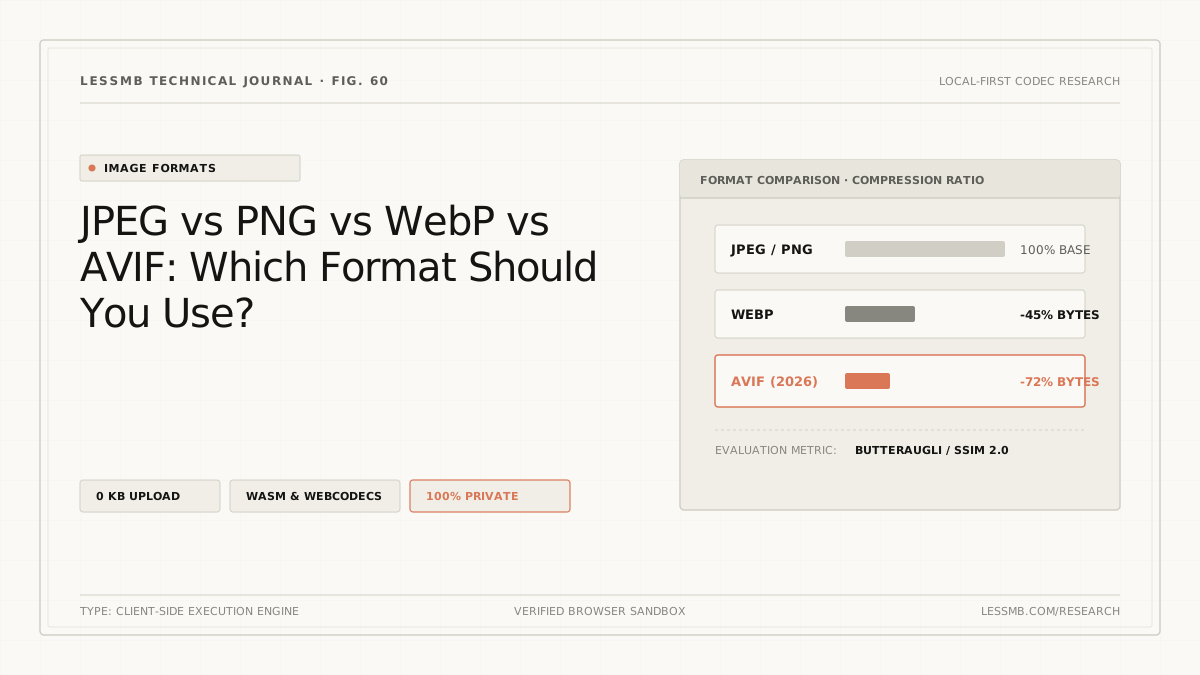
JPEG vs PNG vs WebP vs AVIF: Which to Use?
Compare JPEG, PNG, WebP, and AVIF for photos, screenshots, transparency, animation, compatibility, and real output size before choosing a format.
Read guide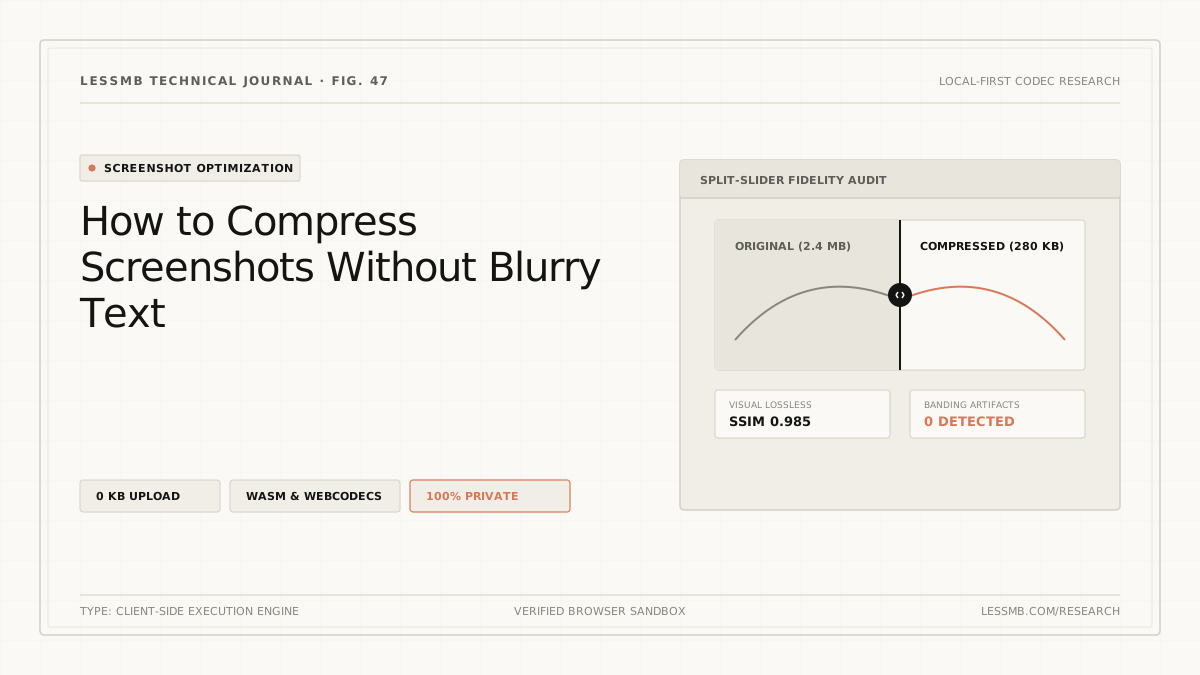
Compress Screenshots Without Blurry Text
Keep screenshot text readable while cutting file size: PNG or WebP 90+, resize in steps instead of one big resample, and a 100% zoom check that catches letter halos.
Read guide
How to Compress a PDF Online Without Guesswork
See how PDF structure cleanup and image recompression affect file size, when stronger modes may reduce image quality, and how to choose the right mode.
Read guide