Compression Guides
Practical guides on image, video and PDF compression, file-size limits, formats, privacy, and browser-local workflows.
PDF Compression2026/08/01
How to Compress a PDF Online Without Guesswork
See how PDF structure cleanup and image recompression affect file size, when stronger modes may reduce image quality, and how to choose the right mode.
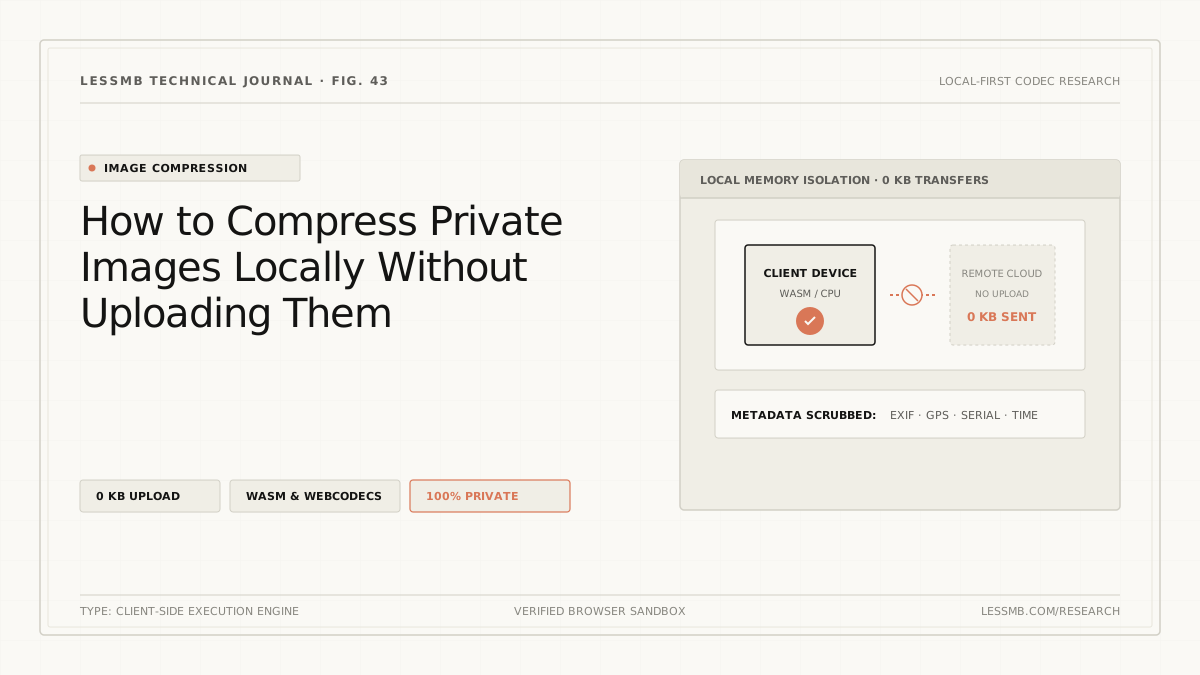
Image Compression2026/06/29
Compress Images Without Uploading to a Server
Learn how browser-local image compression works, what upload-based tools expose, and how to inspect network activity when handling sensitive photos.
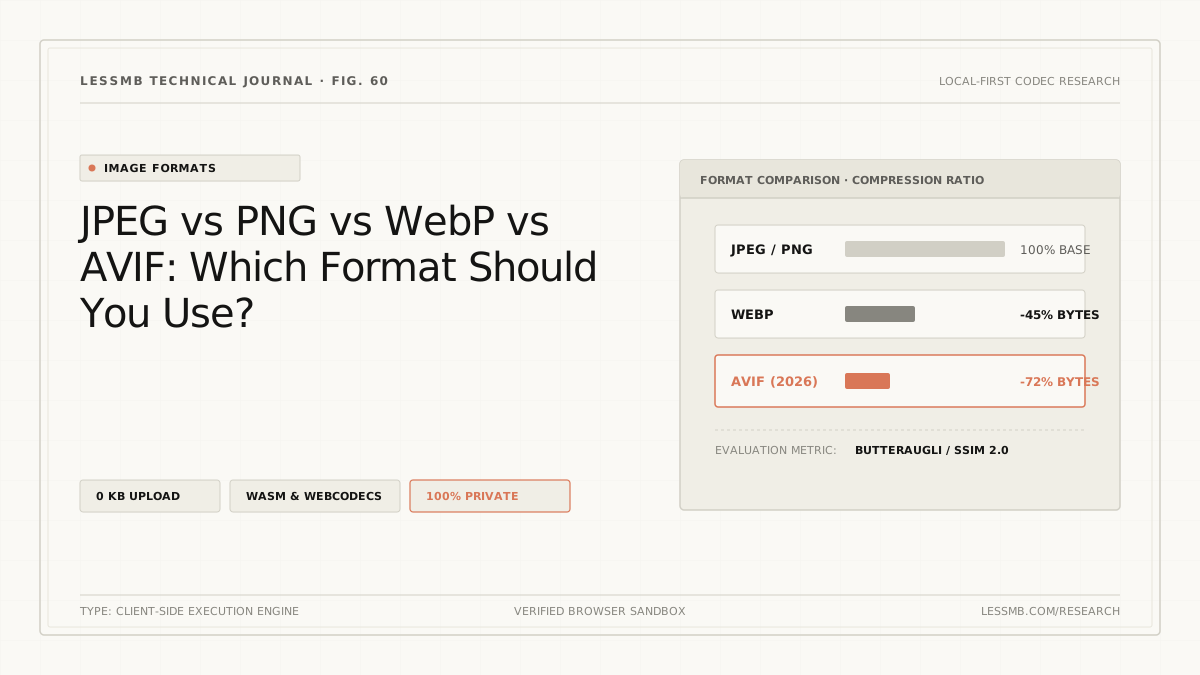
Image Formats2026/06/04
JPEG vs PNG vs WebP vs AVIF: Which to Use?
Compare JPEG, PNG, WebP, and AVIF for photos, screenshots, transparency, animation, compatibility, and real output size before choosing a format.
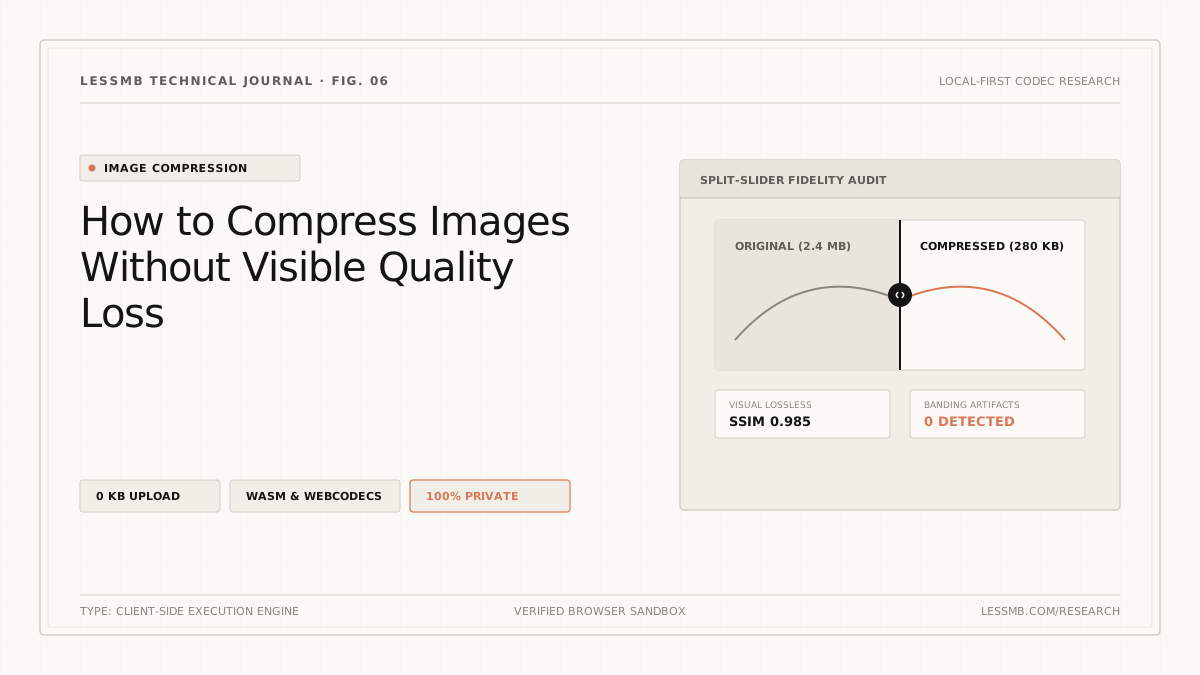
Image Compression2026/05/30
How to Compress Images Without Losing Quality
Learn how dimensions, format, quality settings, and metadata affect image size, plus how to reduce bytes without introducing avoidable blur.
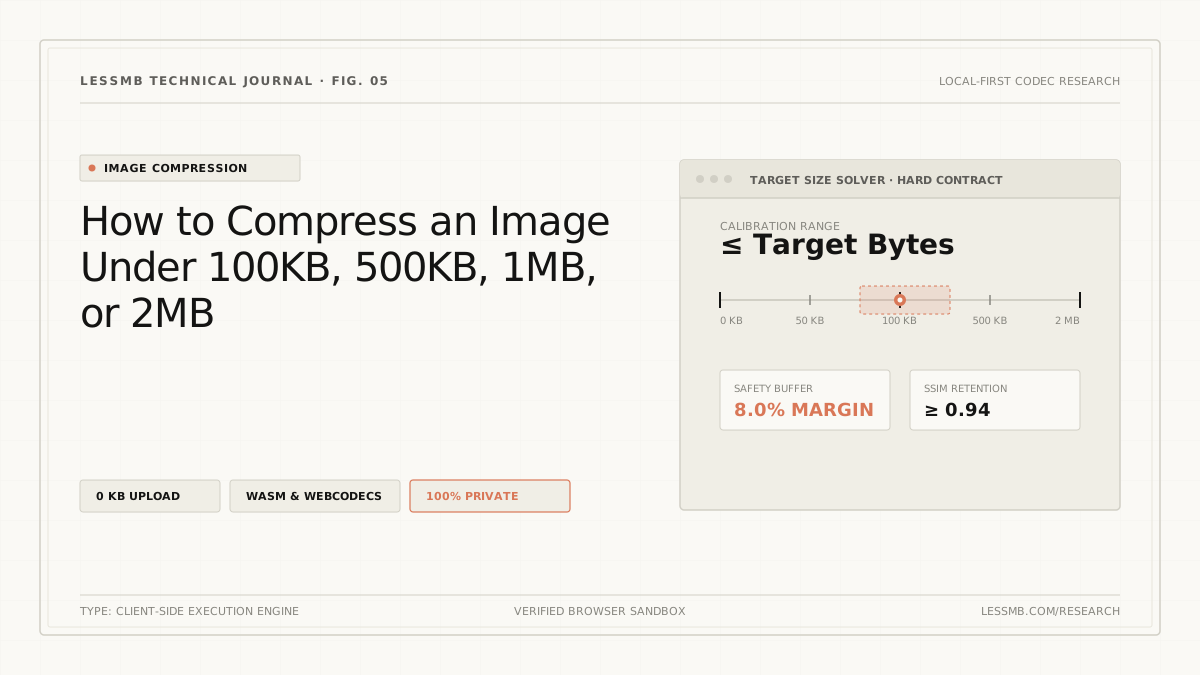
Image Compression2026/05/16
How to Compress Images to an Exact File Size
Set a target KB or MB size, understand why files miss hard limits, and use a browser-local workflow to verify the final output before upload.
Web Performance2026/04/14
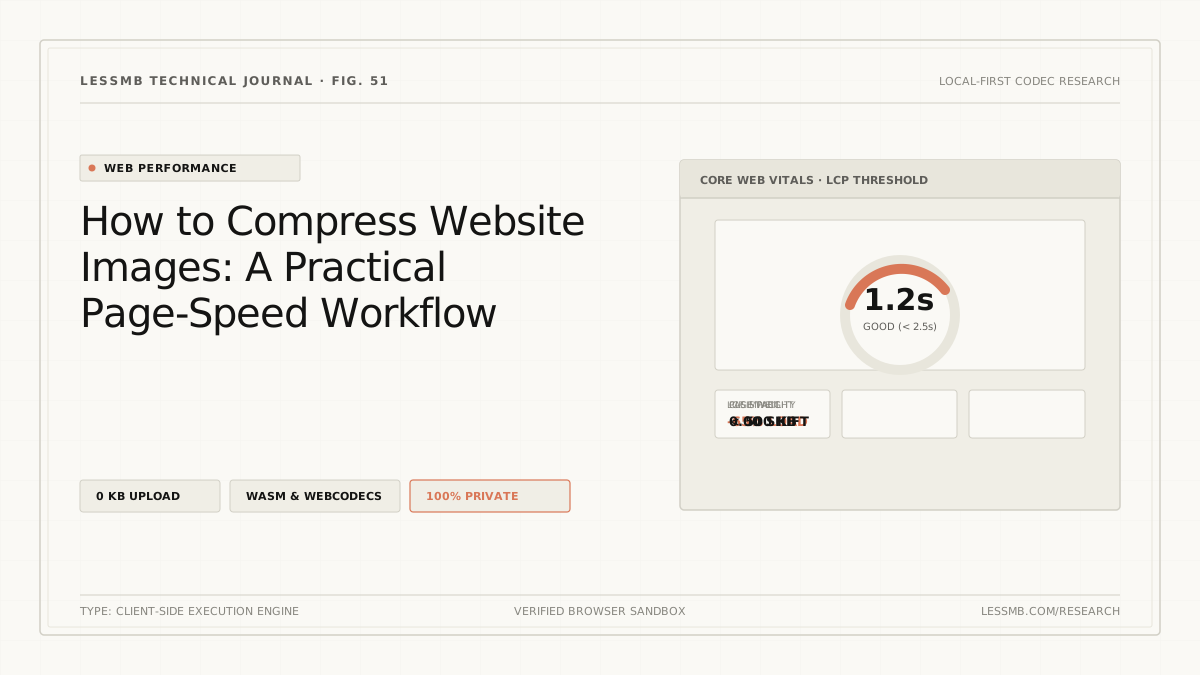
Optimize Website Images Before You Upload
A practical workflow for web images: resize to the display slot, choose a format, compress from the master, set dimensions, and test the live page.