HEIC to JPG Converter
Convert iPhone HEIC photos to standard JPG format locally in your browser. Fast, free batch conversion with zero privacy leaks.
or drag & drop here
Paste from clipboard with Cmd+V · Multiple files supported
Supported: JPG · PNG · WebP · AVIF · HEIC
- Never uploaded
- No watermark
- No sign-up
- No server upload limits
How It Works
Simple 3-step compression powered entirely by your local browser
Select or Drop Images
Choose supported JPG, PNG, WebP, AVIF, HEIC files from your device.
Choose Output Settings
Adjust the output format, quality, or target size for the result you need.
Inspect and Download
Processing runs locally in the browser. Review the result before downloading.
Why Choose LessMB
The private, modern alternative to legacy cloud compressor websites
100% In-Browser Privacy
Zero bytes uploaded. Your personal photos, sensitive documents, and private videos never touch external servers or cloud storage.
Zero Queue & Instant Start
No waiting in cloud conversion queues or watching slow upload bars. Processing starts the millisecond you drop your file.
Hardware Acceleration
Harnesses WebAssembly SIMD and WebCodecs GPU encoding for high-fidelity compression directly on modern consumer hardware.
No Credit Consumption
Free tier compression uses your own device compute, meaning zero server credit drain for everyday single and batch tasks.
About This Format
HEIC (High Efficiency Image Container) is the photo format every iPhone has used since iOS 11: it stores photos in HEVC-compressed HEIF containers, cutting file sizes roughly in half versus JPEG at equal quality. It is brilliant engineering with one friction point — outside Apple hardware, support is thin. Windows shows an error, many websites reject the upload, Android apps often cannot open it, and email recipients on old systems see nothing at all.
How Its Compression Works
Converting HEIC to JPG is a decode-then-encode operation: the HEVC image data is decoded to raw pixels, then re-encoded with the universal JPEG algorithm. Some quality is inherently lost in the re-encode — but at high quality settings it is visually undetectable, and the file becomes readable by literally every device sold this century. This conversion runs entirely in your browser: your photos are decoded and re-encoded on your own hardware.
Practical Tips
- Keep a HEIC original if you might re-edit later — JPG conversion is one-way.
- Converting bursts and Live Photos takes the still keyframe; effects do not survive format conversion.
- For web use, WebP often beats JPG per byte — but JPG remains the compatibility king.
Frequently Asked Questions
Straight answers about this tool and how it works
Explore Related Tools
Related tools with distinct file-format or workflow purposes
Tutorials & Guides
Deep dives from the LessMB editorial team
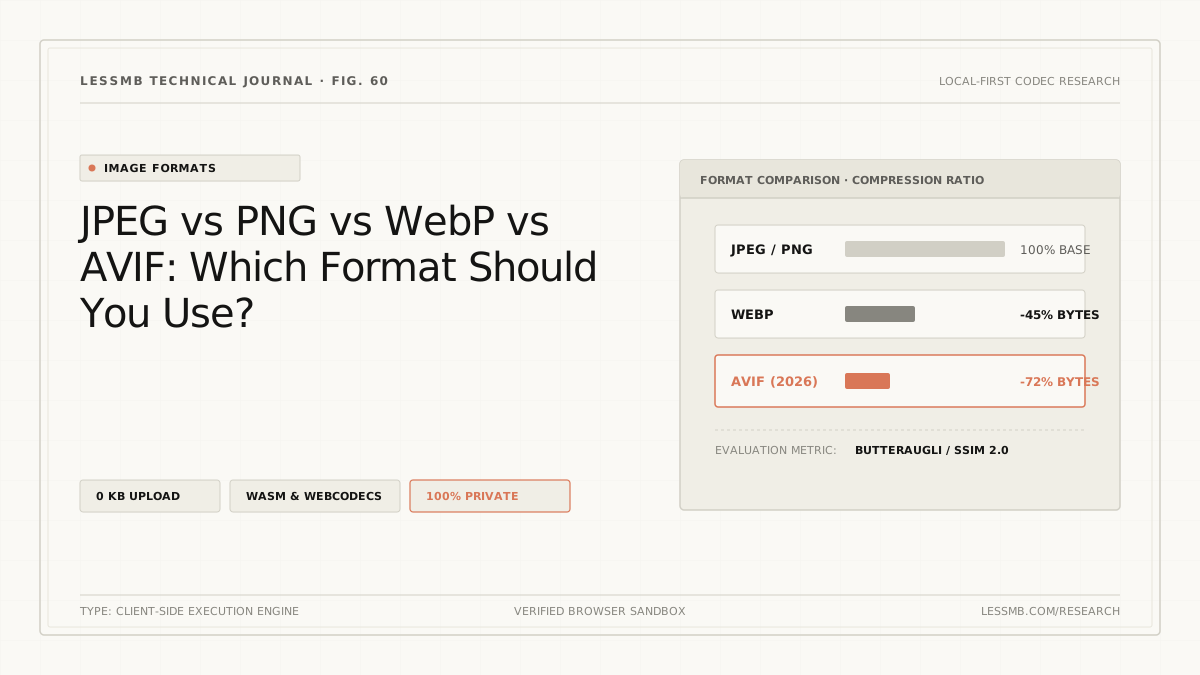
JPEG vs PNG vs WebP vs AVIF: Which to Use?
Compare JPEG, PNG, WebP, and AVIF for photos, screenshots, transparency, animation, compatibility, and real output size before choosing a format.
Read guide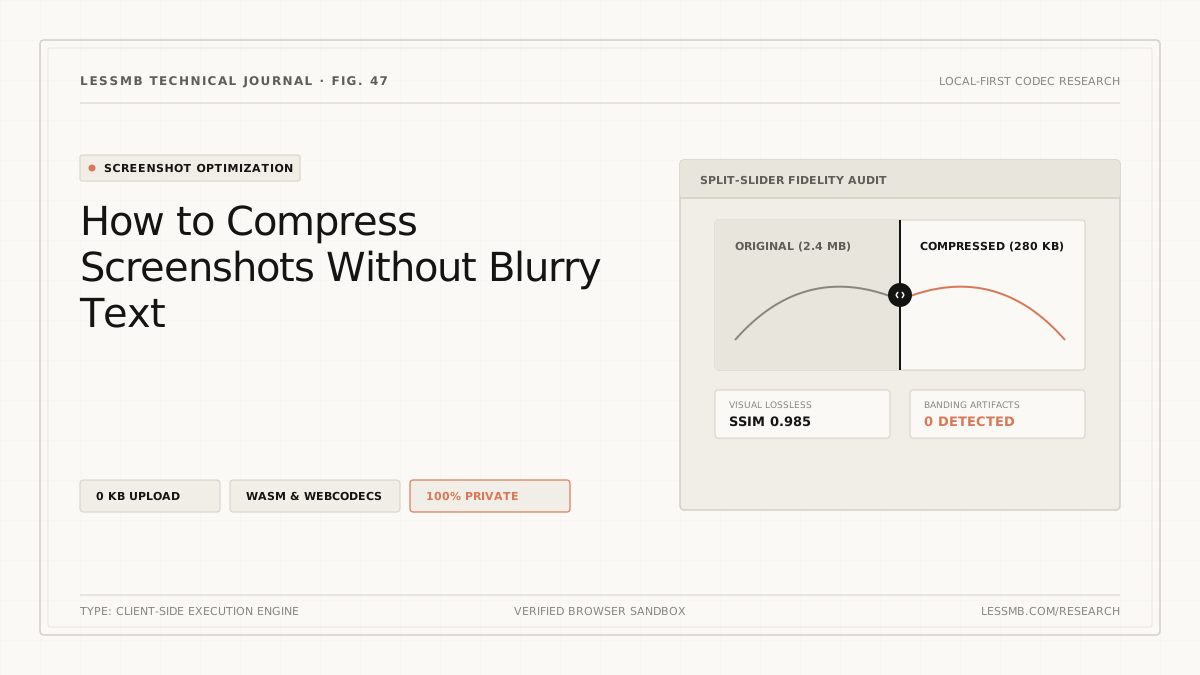
Compress Screenshots Without Blurry Text
Keep screenshot text readable while cutting file size: PNG or WebP 90+, resize in steps instead of one big resample, and a 100% zoom check that catches letter halos.
Read guide
How to Compress a PDF Online Without Guesswork
See how PDF structure cleanup and image recompression affect file size, when stronger modes may reduce image quality, and how to choose the right mode.
Read guide