WebP Compressor
Compress WebP images online free in your browser. Fine-tune lossy & lossless WebP compression with real-time visual comparison and zero uploads.
or drag & drop here
Paste from clipboard with Cmd+V · Multiple files supported
Supported: JPG · PNG · WebP · AVIF · HEIC
- Never uploaded
- No watermark
- No sign-up
- No server upload limits
How It Works
Simple 3-step compression powered entirely by your local browser
Select or Drop Images
Choose supported JPG, PNG, WebP, AVIF, HEIC files from your device.
Choose Output Settings
Adjust the output format, quality, or target size for the result you need.
Inspect and Download
Processing runs locally in the browser. Review the result before downloading.
Why Choose LessMB
The private, modern alternative to legacy cloud compressor websites
100% In-Browser Privacy
Zero bytes uploaded. Your personal photos, sensitive documents, and private videos never touch external servers or cloud storage.
Zero Queue & Instant Start
No waiting in cloud conversion queues or watching slow upload bars. Processing starts the millisecond you drop your file.
Hardware Acceleration
Harnesses WebAssembly SIMD and WebCodecs GPU encoding for high-fidelity compression directly on modern consumer hardware.
No Credit Consumption
Free tier compression uses your own device compute, meaning zero server credit drain for everyday single and batch tasks.
About This Format
WebP is a modern image format developed by Google that provides superior lossless and lossy compression for images on the web. WebP lossless images are 26% smaller compared to PNGs, while WebP lossy images are 25–34% smaller than comparable JPEG images at equivalent SSIM quality index.
How Its Compression Works
WebP lossy compression uses predictive coding to encode an image, the same method used by the VP8 video codec to compress keyframes. WebP lossless compression uses advanced techniques including entropy coding, spatial transformation, and local color indexing to shrink raw pixel buffers without discarding a single detail.
Practical Tips
- Use WebP with 80–85% quality for near-invisible degradation and massive 70%+ file size savings compared to legacy JPGs.
- WebP supports alpha channel transparency with lossy RGB, producing transparent assets at a fraction of PNG size.
- All modern browsers (Chrome, Safari, Firefox, Edge) have 100% native WebP decoding support.
Frequently Asked Questions
Straight answers about this tool and how it works
Explore Related Tools
Related tools with distinct file-format or workflow purposes
Tutorials & Guides
Deep dives from the LessMB editorial team
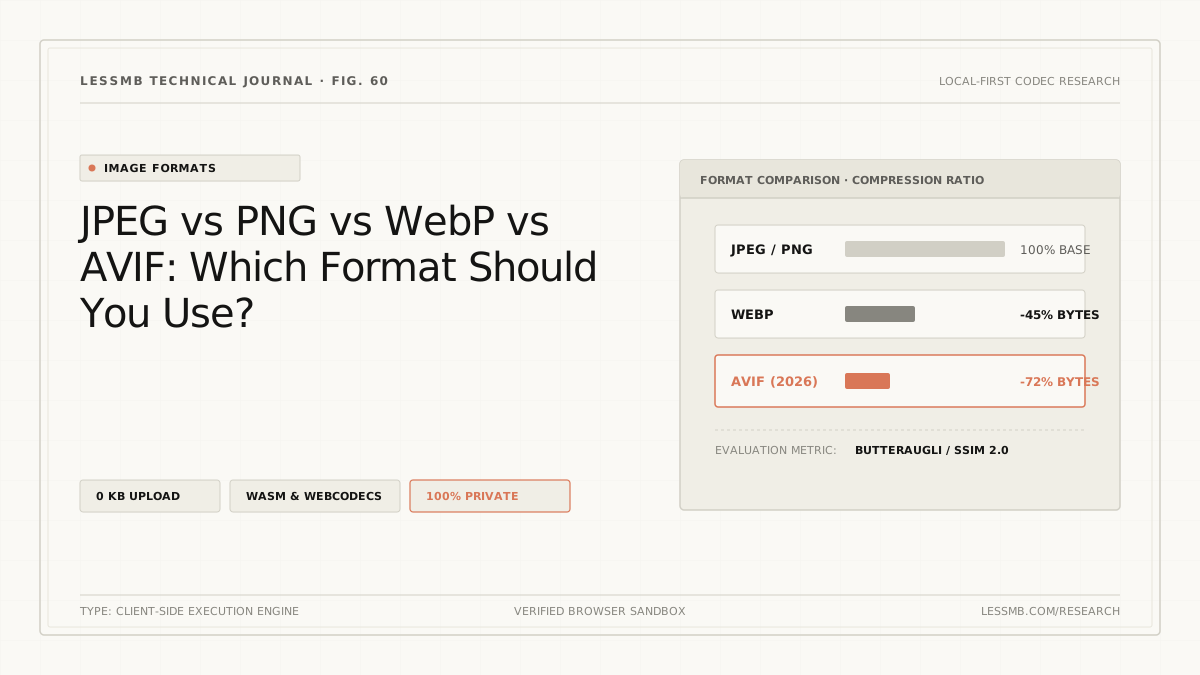
JPEG vs PNG vs WebP vs AVIF: Which to Use?
Compare JPEG, PNG, WebP, and AVIF for photos, screenshots, transparency, animation, compatibility, and real output size before choosing a format.
Read guide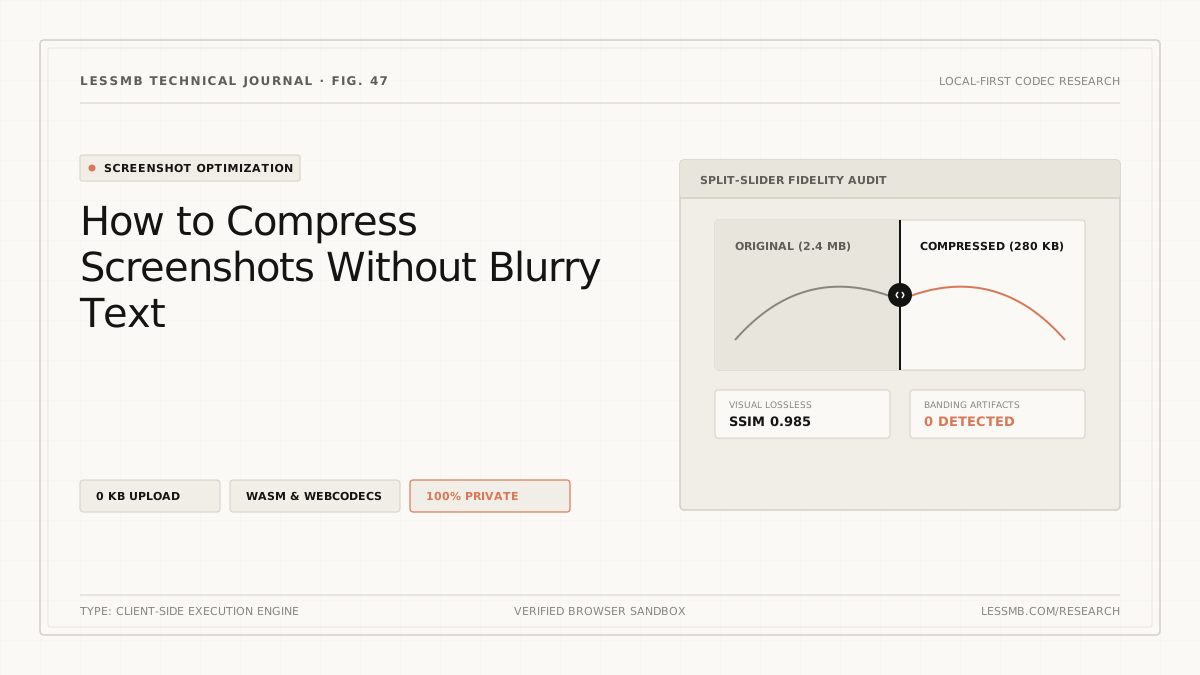
Compress Screenshots Without Blurry Text
Keep screenshot text readable while cutting file size: PNG or WebP 90+, resize in steps instead of one big resample, and a 100% zoom check that catches letter halos.
Read guide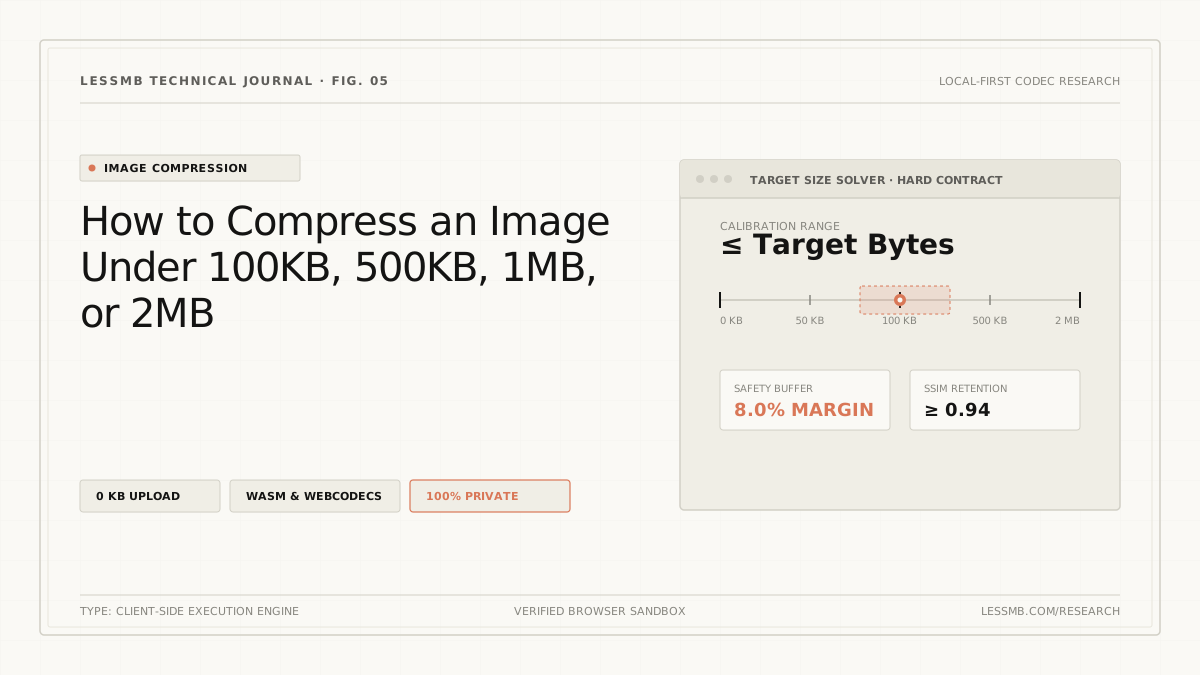
How to Compress Images to an Exact File Size
Set a target KB or MB size, understand why files miss hard limits, and use a browser-local workflow to verify the final output before upload.
Read guide