HandBrake Online Alternative
A fast, zero-install HandBrake alternative for video compression. Uses WebCodecs hardware encoding directly on your GPU without complex settings.
or drag & drop here
Paste from clipboard with Cmd+V · Multiple files supported
Supported: MP4 · MOV · WebM
- Never uploaded
- No watermark
- No sign-up
- No server upload limits
How It Works
Simple 3-step compression powered entirely by your local browser
Choose a Video
Select a supported MP4, MOV, WebM file from your device.
Set the Compression Goal
Choose a balanced preset or a target file size based on the destination.
Review the Result
Supported videos are processed locally with browser codecs; preview the output before sharing.
Why Choose LessMB
The private, modern alternative to legacy cloud compressor websites
100% In-Browser Privacy
Zero bytes uploaded. Your personal photos, sensitive documents, and private videos never touch external servers or cloud storage.
Zero Queue & Instant Start
No waiting in cloud conversion queues or watching slow upload bars. Processing starts the millisecond you drop your file.
Hardware Acceleration
Harnesses WebAssembly SIMD and WebCodecs GPU encoding for high-fidelity compression directly on modern consumer hardware.
No Credit Consumption
Free tier compression uses your own device compute, meaning zero server credit drain for everyday single and batch tasks.
Current Platform Size Limits
Verified figures — platform limits change over time, so each row carries its check date.
| Platform | Limit | Verified |
|---|---|---|
LessMB Browser Transcoder WebCodecs GPU Accelerated | Target KB/MB Solving | Modern WebCodecs standard |
HandBrake Desktop Native App (x264/x265) | Manual CRF & Bitrate Presets | Desktop software workflow |
Cloud Video Compressors Remote Server Processing | Queue, Upload Cap & Watermarks | Cloud service model |
Tips for Best Results
- No installation needed: open LessMB in Chrome, Edge, or Safari and drop your video to start transcoding immediately.
- Set an exact target MB (e.g. 10MB or 25MB) instead of guessing complex HandBrake CRF values.
- Uses your device’s dedicated hardware encoder (NVENC, Apple Silicon Media Engine, QuickSync) via WebCodecs.
- Your video never leaves your computer: 100% private and safe for confidential footage.
Frequently Asked Questions
Straight answers about this tool and how it works
Explore Related Tools
Related tools with distinct file-format or workflow purposes
Tutorials & Guides
Deep dives from the LessMB editorial team
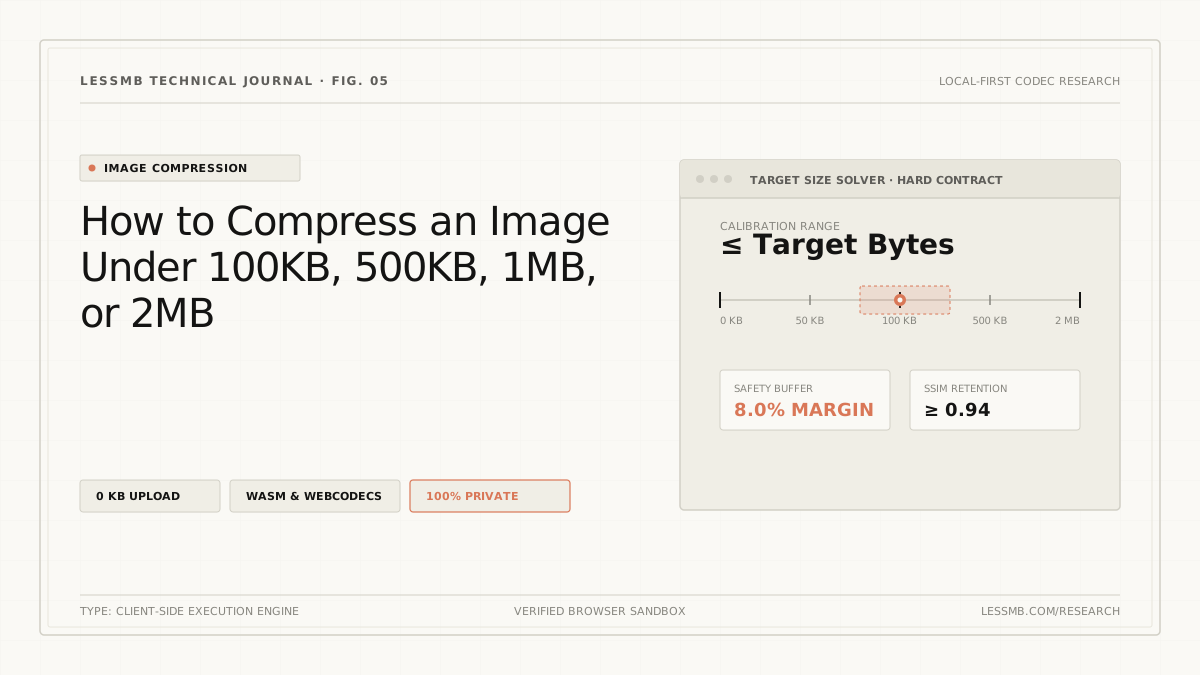
How to Compress Images to an Exact File Size
Set a target KB or MB size, understand why files miss hard limits, and use a browser-local workflow to verify the final output before upload.
Read guide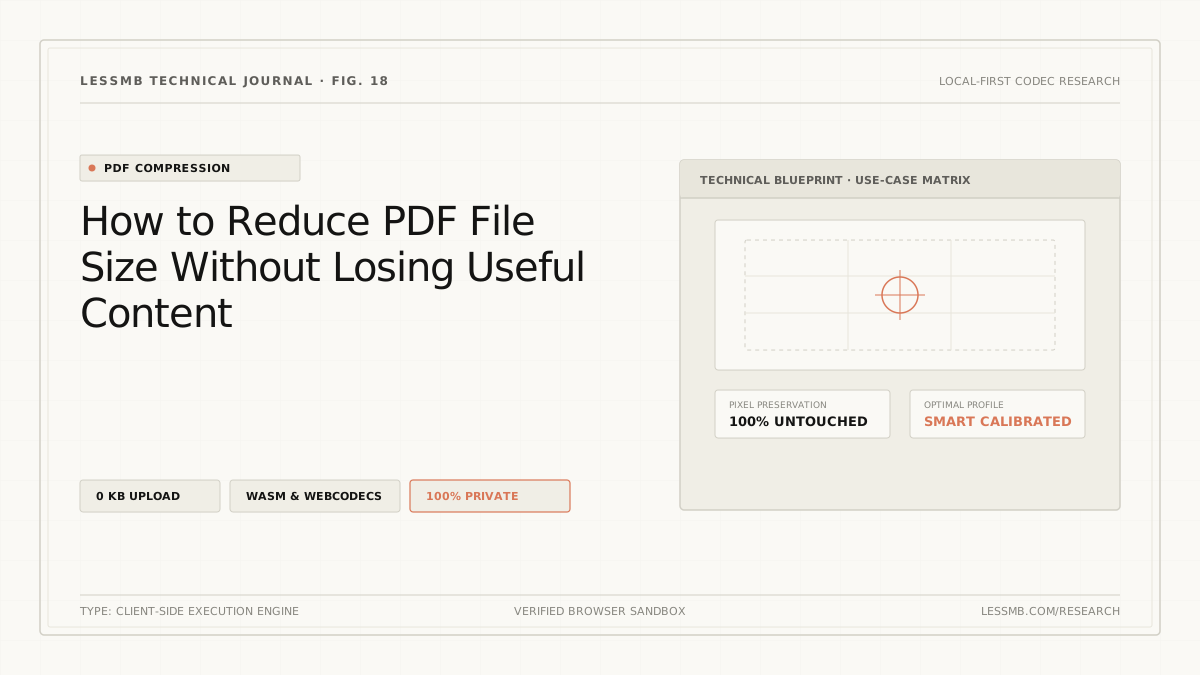
How to Compress a PDF Online Without Guesswork
See how PDF structure cleanup and image recompression affect file size, when stronger modes may reduce image quality, and how to choose the right mode.
Read guide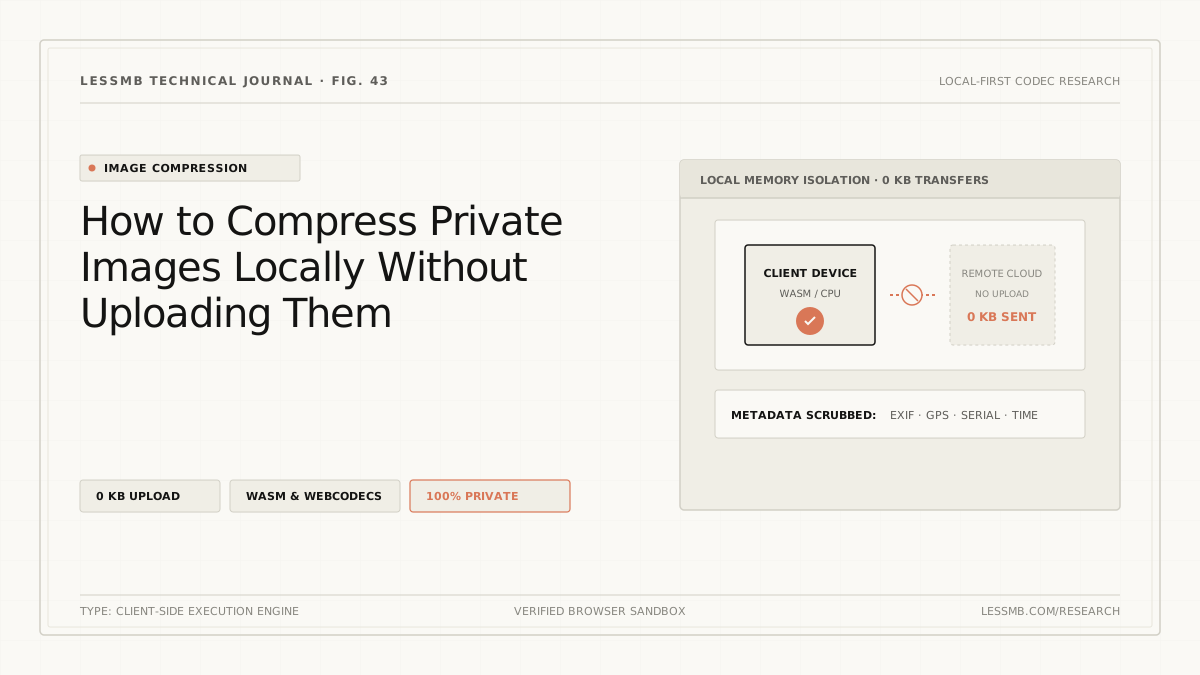
Compress Images Without Uploading to a Server
Learn how browser-local image compression works, what upload-based tools expose, and how to inspect network activity when handling sensitive photos.
Read guide