How to Reduce File Size in MB Without Losing Quality
Why files balloon into dozens of megabytes, when lossless passes work, when downsampling is mandatory, and how to hit exact MB caps without visible degradation.
Updated: November 6, 2026
Quick answer: Identify your file type first. For photos, resize from raw dimensions down to display resolution and use modern WebP/AVIF. For video, calculate bitrates based on duration rather than guessing. For PDFs, downsample flatbed scans from 300 DPI to 150 DPI while keeping vectors untouched. For private records, always compress locally in the browser rather than uploading to cloud servers.
Most files do not need to weigh 25 MB, 50 MB, or 200 MB. When a file refuses to send over email, fails an upload form, or clogs team storage, people often search for an "MB compressor" and pick random quality presets.
Shrinking a file predictably requires understanding what is consuming those megabytes. Text and numbers rarely take up space. The bulk almost always hides inside unoptimized media streams, bloated pixel grids, or uncompressed scan bitmaps.
Why files consume so many MBs
Different file types balloon in size for distinct technical reasons.
| File Category | Typical Extensions | Root Cause of Excessive MBs | Effective Reduction Lever |
|---|---|---|---|
| High-Res Photos | JPG, PNG, HEIC | Camera sensors capturing 12MP to 48MP (4000px+ width) | Resize dimensions to display slot; switch to WebP/AVIF |
| Short Video Clips | MP4, MOV, WebM | Excessively high capture bitrates (30-60 Mbps) | Two-pass bitrate matching; duration-based formula |
| Office & Legal Docs | 300 DPI raw flatbed image scans without text OCR | Downsample raster scans to 150 DPI; keep vectors | |
| Multi-Asset Bundles | Folders, RAW assets | Duplicate assets and uncompressed binary streams | Pure client-side streaming ZIP archive |
Lossless vs. Visually Lossless: The Decision Tree
Before adjusting sliders, determine whether your workflow requires absolute mathematical lossless compression or visually lossless compression.

1. Mathematical lossless (10% to 35% savings)
Mathematical lossless passes strip duplicate metadata, EXIF geotags, color profiles, and redundant container blocks. Every pixel or character remains bit-for-bit identical to the source.
Use this route for medical imaging, legal master documents, raw print masters, or archival graphics. The trade-off is modest size reduction: a mathematical lossless pass cannot shrink a 40 MB video file down to 8 MB.
2. Visually lossless (60% to 90% savings)
Visually lossless techniques take advantage of how human visual perception works. Our eyes cannot distinguish subtle chrominance variations at high resolutions, nor do they notice the removal of imperceptible high-frequency noise.
This approach works best for web publishing, email attachments, Discord uploads, and online job portals. It drops a 20 MB image to 1.8 MB or a 60 MB video to 7.5 MB with zero perceptible artifacts at 100% viewing zoom.
Multi-format benchmark: real megabyte reductions
We tested typical office and creative assets using LessMB File Compressor in balanced local processing mode.
| Asset Description | Source Format | Source Size | Optimized Size | Space Saved | Target Scenario |
|---|---|---|---|---|---|
| Smartphone Travel Photo | HEIC / JPG (4032×3024) | 7.8 MB | 1.1 MB (WebP) | 85.9% | Email attachment (< 20MB) |
| UI Interface Screenshot | 24-bit PNG (1920×1080) | 3.4 MB | 540 KB (PNG-8) | 84.1% | Slack / Discord sharing |
| 45-Second Mobile Clip | 1080p MOV (60 fps) | 64.0 MB | 7.9 MB (MP4) | 87.7% | Discord Free (≤ 10MB) |
| Scanned Contract (15 pages) | PDF (300 DPI scans) | 22.5 MB | 2.8 MB (PDF) | 87.5% | Job portal upload (≤ 5MB) |
| Mixed Marketing Bundle | Folder (Images + Docs) | 48.0 MB | 19.2 MB (ZIP) | 60.0% | Clean ZIP package transfer |
How to hit an exact MB threshold
When an upload form or email gateway enforces a strict ceiling (such as 8MB, 10MB, or 25MB), guessing settings wastes time. Here is how to hit exact targets by file type:
Reducing video file weight
Avoid guessing resolution settings. Calculate video bitrate from clip length:
$$\text{Bitrate (kbps)} = \left( \frac{\text{Target Size in MB} \times 8192}{\text{Duration in Seconds}} \right) - \text{Audio Bitrate (kbps)}$$
A 60-second video targeting Discord's 10MB cap needs an overall bitrate of roughly 1,230 kbps. Our companion guide on compressing video to 8MB, 10MB, or 25MB includes ready-to-use lookup tables and presets. You can run this directly in our browser-based video compressor.
Sizing down photos and graphics
- Scale the dimensions first: Drop pictures wider than 2000px down to your real display needs (typically 1200px to 1600px).
- Choose modern codecs: Convert legacy JPEGs to WebP with our image compressor.
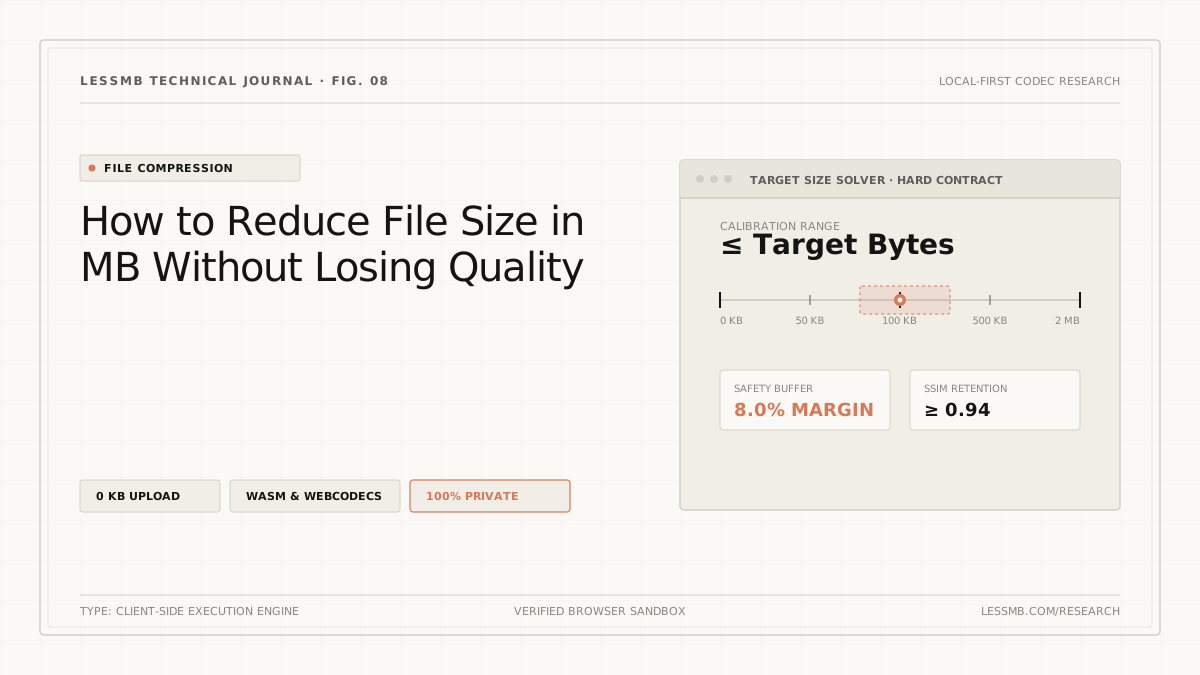
- Set target KB mode: If a portal limits avatars to 500 KB or 1 MB, enter that ceiling directly. LessMB will automatically calibrate the quantization curve.
Cleaning and resampling PDF documents
- Open LessMB PDF Compressor.
- Use Balanced mode for standard office reports to downsample images to 150 DPI while preserving all vector text and links.
- Use Extreme mode (96 DPI) only for full-page flatbed scans where hard 1MB or 2MB system caps apply.
Data privacy: why local processing matters for large files
Most web-based MB compressors force you to upload your files to remote cloud servers. If you are handling proprietary financial models, scanned employee contracts, client photos, or legal briefs, uploading those files creates immediate compliance risks.
HTTPS only secures the pipe while files travel across the internet. It does not govern server retention policies, employee access, or automated cloud backups.
LessMB processes your media directly inside your web browser sandbox using modern WebAssembly and native WebCodecs. Bytes stay entirely inside your device's memory. You can drop in a 100 MB file, turn off your internet connection, finish the compression, and download your optimized file.
FAQ
Can you reduce file size in MB without losing any quality?
True lossless compression removes redundant container headers and metadata, usually cutting 10-30% with zero mathematical loss. For deeper 70-90% cuts into specific MB targets, you need visually lossless compression — downsampling pixels or adjusting quantization so human eyes cannot detect any difference at normal viewing distances.
Why is my file so many MB in the first place?
Modern cameras capture 12 to 48 megapixels, smartphone videos record at high variable bitrates (up to 50 Mbps), and office scanners save every blank border as uncompressed 300 DPI bitmap pixels. These defaults prioritize capture headroom over storage or transfer efficiency.
What is the best way to compress a file below 10MB or 25MB?
For video, compute target bitrate using the mathematical formula: (Target MB * 8192 / Duration in seconds) - Audio bitrate. For images, resize dimensions to 1920px max before adjusting quality. For PDFs, compress embedded raster scans to 150 DPI.
Is it safe to compress confidential files with an online MB compressor?
Only if the tool operates locally in your browser sandbox. Traditional online compressors upload your document to remote servers. LessMB runs WebAssembly locally on your device, ensuring sensitive contracts and personal photos never leave your machine.
Related tools and guides
Try it now — 100% in your browser
No upload, no sign-up, no watermark. Your files never leave your device.