GIF File Size Reducer
Reduce animated GIF file size directly in your browser. Optimize color palettes and remove redundant frames without ruining animation fluidity.
or drag & drop here
Paste from clipboard with Cmd+V · Multiple files supported
Supported: JPG · PNG · WebP · AVIF · HEIC
- Never uploaded
- No watermark
- No sign-up
- No server upload limits
How It Works
Simple 3-step compression powered entirely by your local browser
Why Choose LessMB
The private, modern alternative to legacy cloud compressor websites
100% In-Browser Privacy
Zero bytes uploaded. Your personal photos, sensitive documents, and private videos never touch external servers or cloud storage.
Zero Queue & Instant Start
No waiting in cloud conversion queues or watching slow upload bars. Processing starts the millisecond you drop your file.
Hardware Acceleration
Harnesses WebAssembly SIMD and WebCodecs GPU encoding for high-fidelity compression directly on modern consumer hardware.
No Credit Consumption
Free tier compression uses your own device compute, meaning zero server credit drain for everyday single and batch tasks.
About This Format
GIF (Graphics Interchange Format) was introduced in 1987. It uses an indexed color palette of up to 256 colors per frame with LZW compression. Because GIF lacks modern inter-frame motion estimation (P/B-frames), high-resolution or long animated GIFs can balloon to dozens or hundreds of megabytes.
How Its Compression Works
Reducing GIF file size combines color palette quantization (reducing distinct colors across frames), transparency optimization (storing only pixel differences between consecutive frames), and selective frame dropping. LessMB runs these optimizations locally to keep meme playback smooth while drastically cutting file weight.
Practical Tips
- Dropping every second or third frame can cut GIF size by 30–50% while maintaining acceptable motion for social memes.
- Reducing color depth from 256 to 128 or 64 colors slashes LZW dictionary size with minimal visual change.
- Crop empty borders before optimizing: every unchanging pixel outside the action wastes byte budget.
Frequently Asked Questions
Straight answers about this tool and how it works
Explore Related Tools
Related tools with distinct file-format or workflow purposes
Tutorials & Guides
Deep dives from the LessMB editorial team
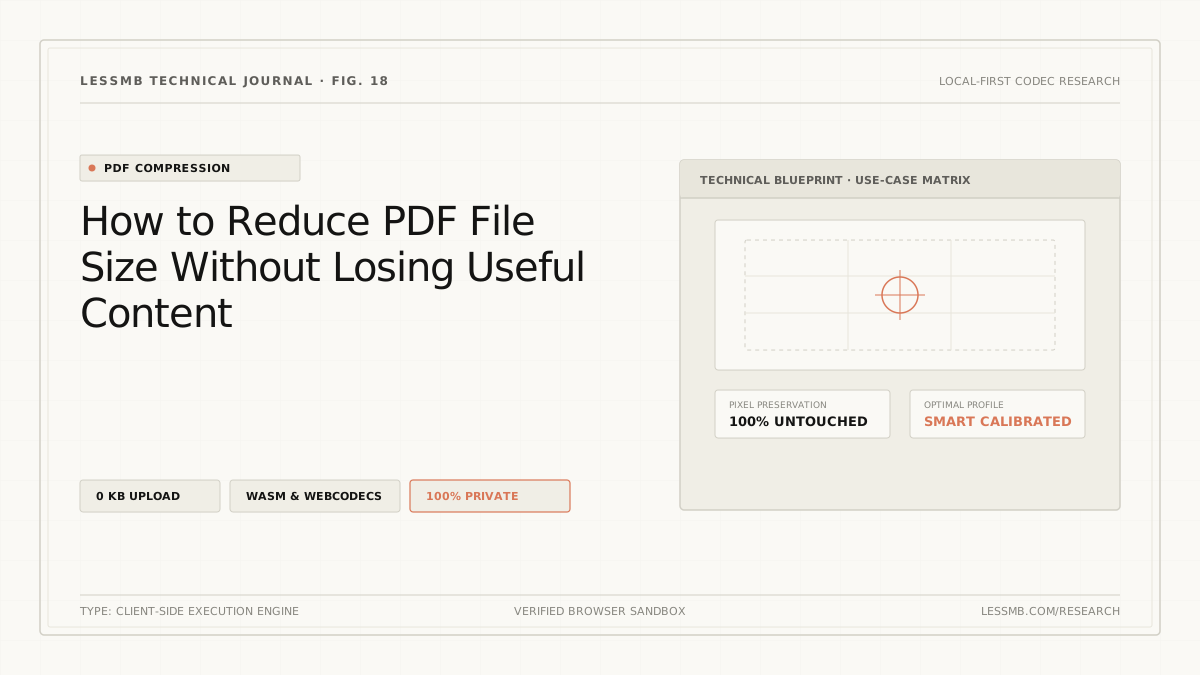
How to Compress a PDF Online Without Guesswork
See how PDF structure cleanup and image recompression affect file size, when stronger modes may reduce image quality, and how to choose the right mode.
Read guide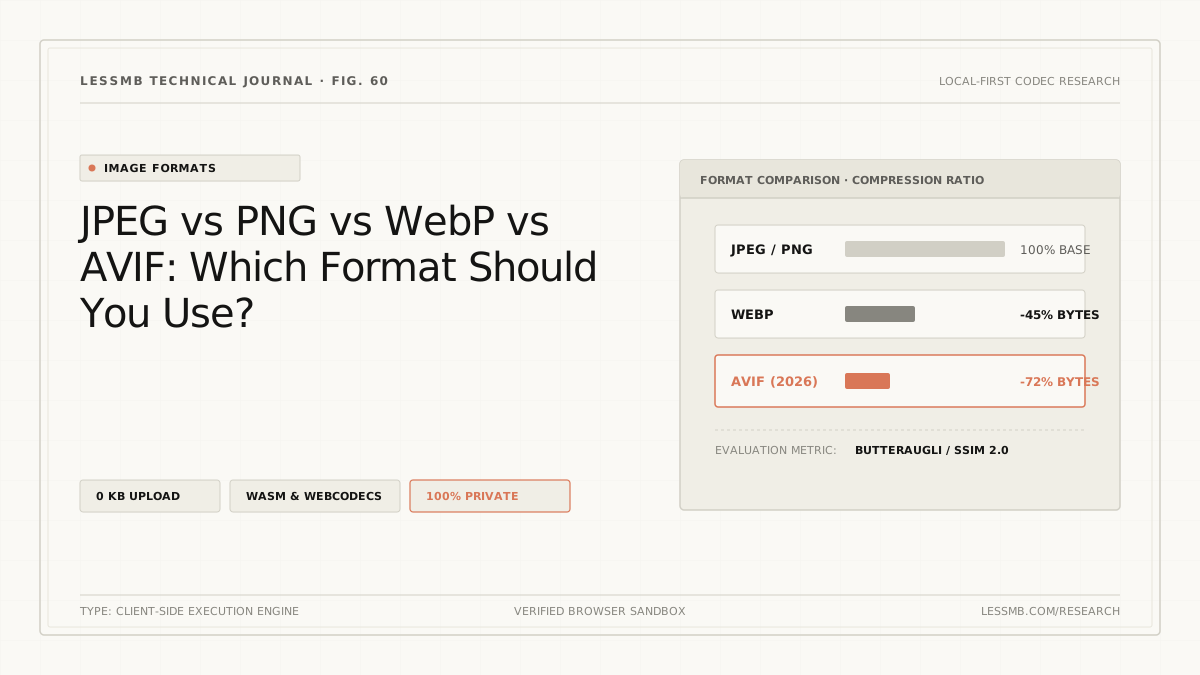
JPEG vs PNG vs WebP vs AVIF: Which to Use?
Compare JPEG, PNG, WebP, and AVIF for photos, screenshots, transparency, animation, compatibility, and real output size before choosing a format.
Read guide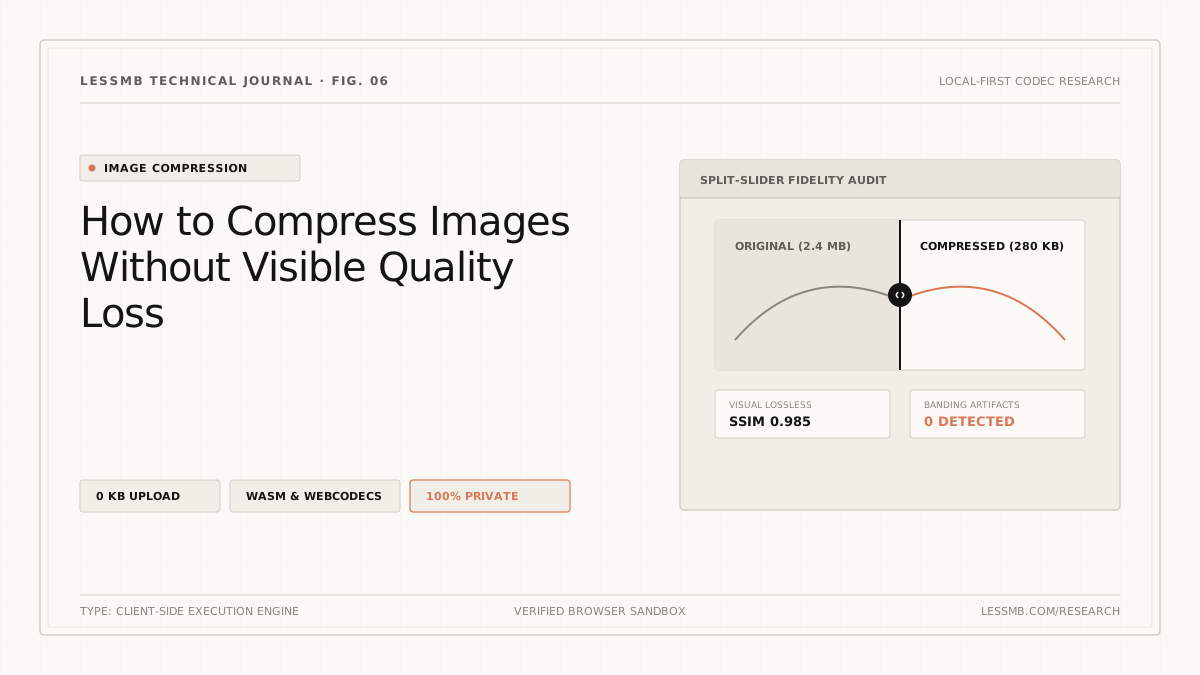
How to Compress Images Without Losing Quality
Learn how dimensions, format, quality settings, and metadata affect image size, plus how to reduce bytes without introducing avoidable blur.
Read guide